Collar Data Overview
Learn about the way we categorize data to quickly find the type of download you need.
Data categories
Collar data on the IDAQ site is divided into four broad categories.
In this guide:
New collar data
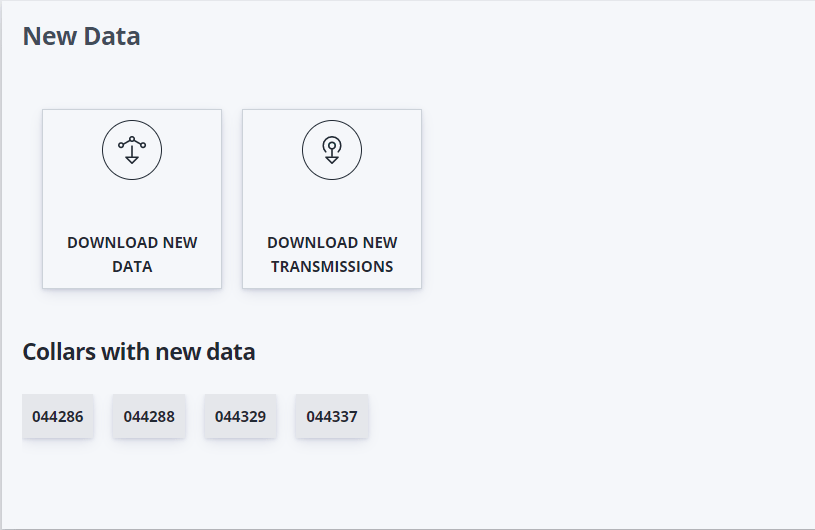
To get collar data generated since last download, navigate to the new data panel on the home page. The top of the panel has the data download buttons and the bottom of the panel shows which collars the new data is coming from.
Aggregated collar data
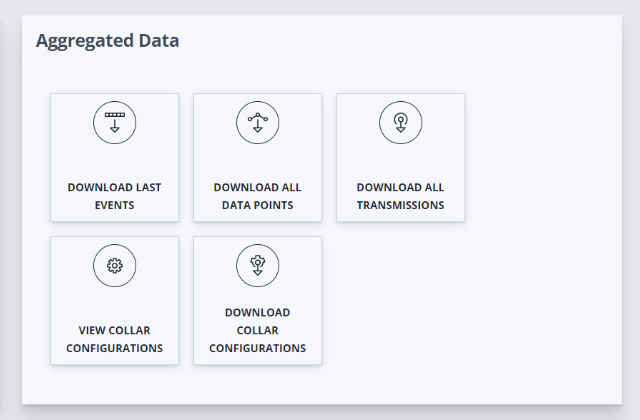
This is the section where Get all your collar data in a single zipped file. Navigate to the “Aggregated Data” panel, located on the top right corner of the page.
Individual collar data
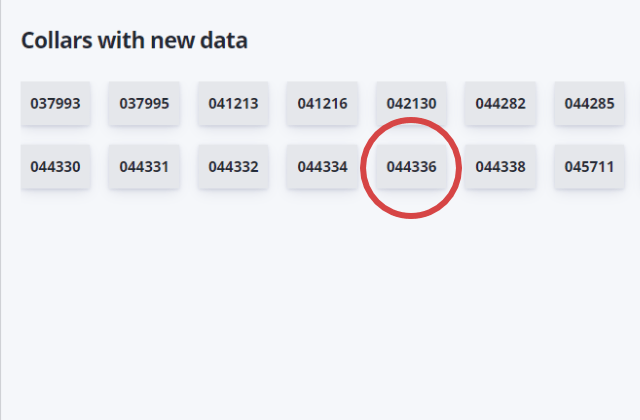
If you need data from an individual collar you can click on the “view data” link of any collar component in the collar dashboard. You can also click on the collar tags listed on several of the home page’s panels.
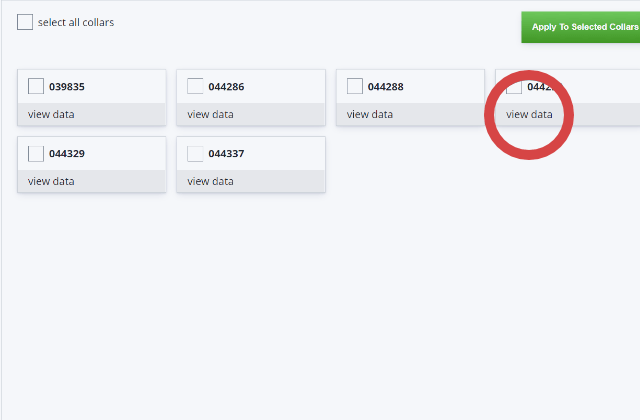
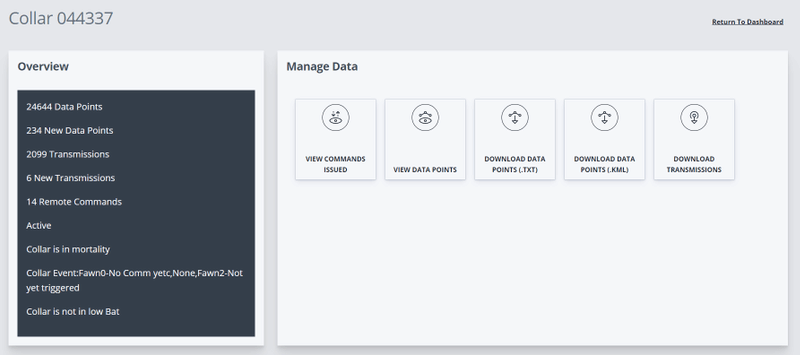
Once there you have several options for viewing or downloading different types of data as well as quick summary of the collar status.
Custom collar data
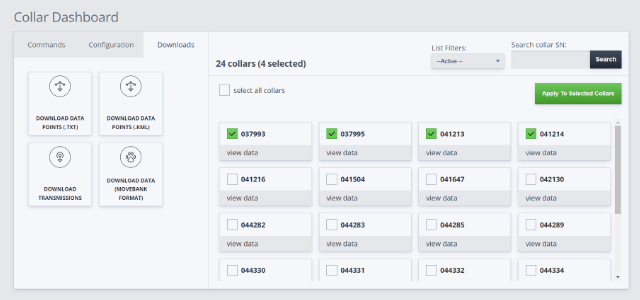
You can get data from a custom selection of collars by using the collar dashboard. First, you should select the collars you want to download data from and then navigate to the third tab on the left panel labeled “Downloads”. Choose one of the options and click the apply button. Depending on the number of collars and data involved, preparing the files for download might take a while. Once ready, the download will begin automatically.